my mobee® – your digital hub for everything to do with mobee® 360

my mobee® is the digital complement to mobee® 360. Manage your software and resources, work with screening data, and provide your clients and patients with results, progress reports and recommendations digitally.

  • Manage software and resources
  • Organising screenings and results
  • Sharing results digitally with customers
Request info Receive newsletter Book a demo
Weiter zum Inhalt

One entrance. Three clearly separate areas.

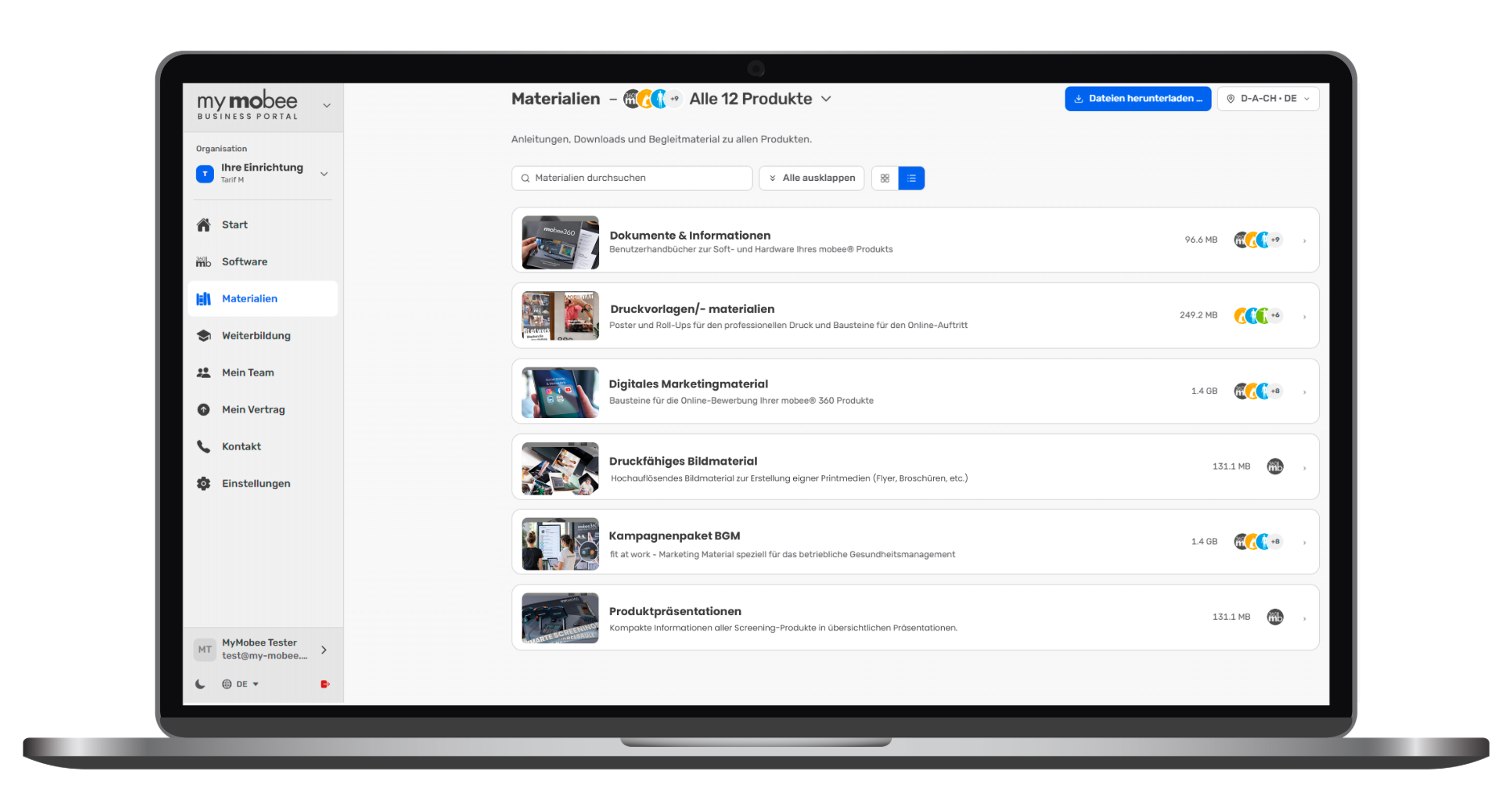
Business Portal
Manage software, licences, equipment, staff, materials, training and support.
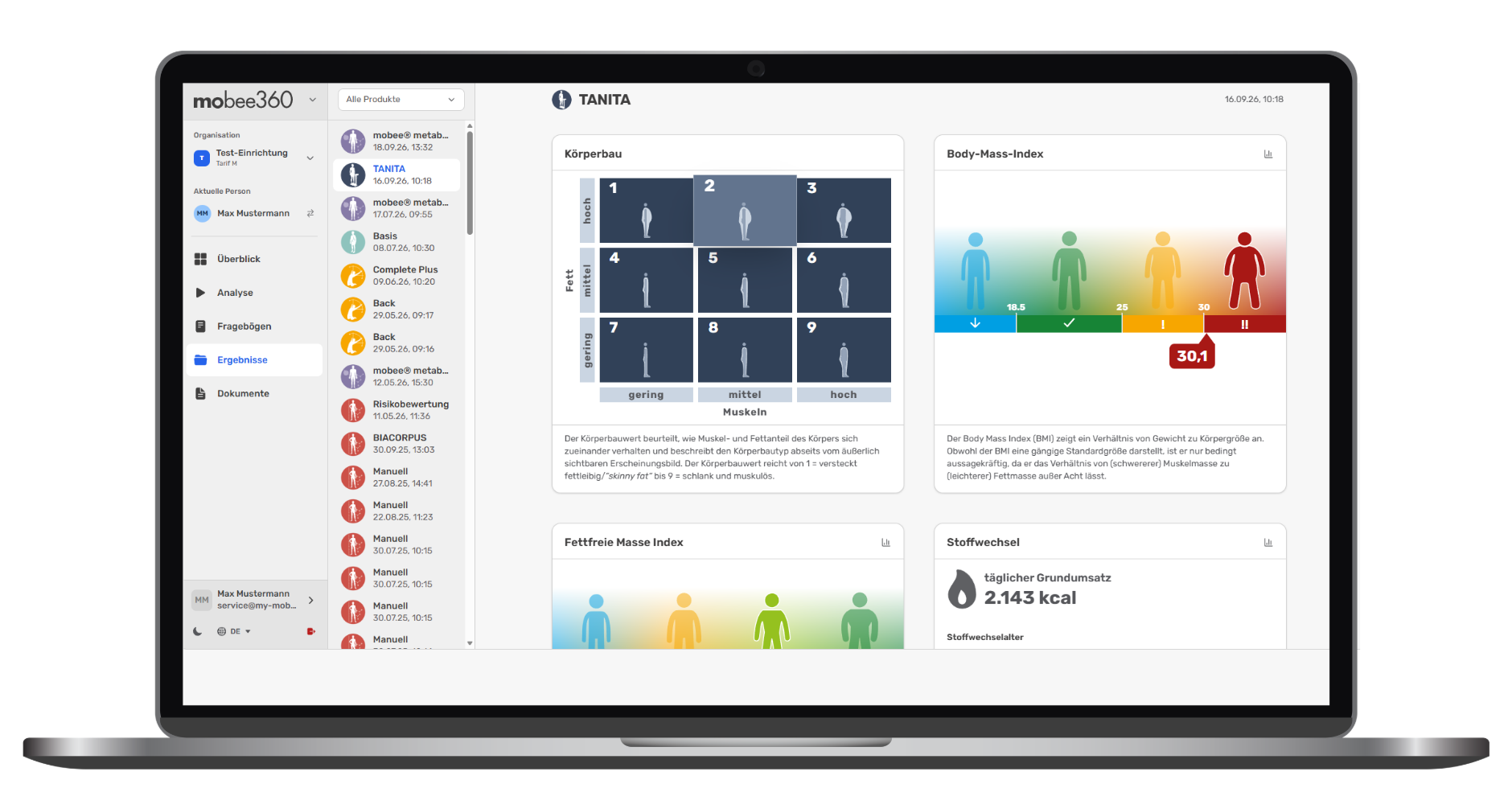
mobee® 360
Supporting customers and patients, using analyses and questionnaires, and managing results and documents centrally.
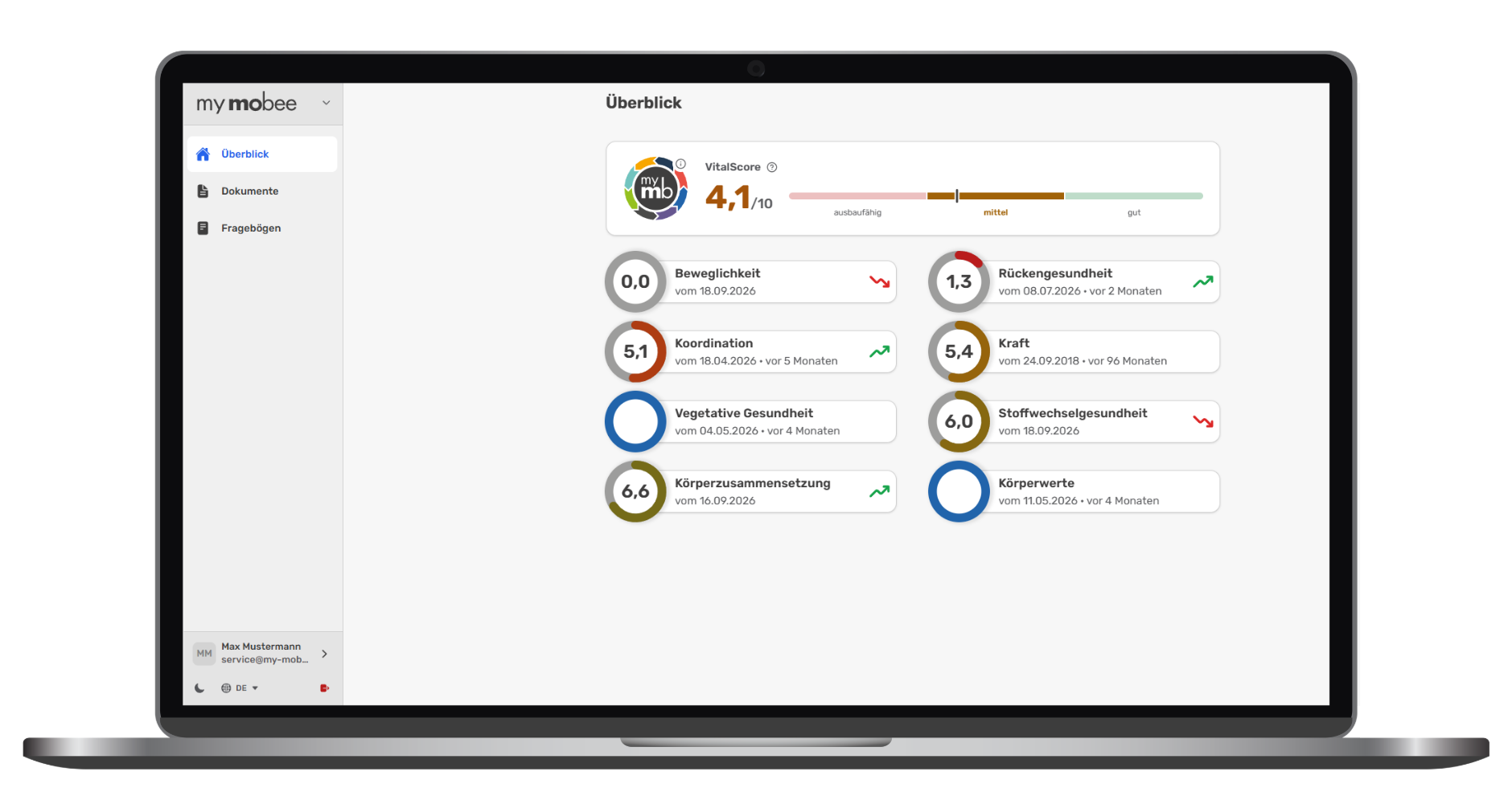
my mobee®
Present results, developments and recommendations in a way that is easy for customers and patients to understand.

The app is available to download from the relevant app stores for your mobile operating system (Apple, Android). As a mobee® 360 customer (provider), you can use my mobee® with all service plans. Sign up for a 20-minute Online setup assistance so that we can help you set up your user account and get you started.

As a customer/patient of a facility, you must register in the my mobee app with your name, date of birth and email address. In order to receive your personal results, successes and recommendations from your provider, a one-time link must be established between you and the facility. This can be done either by your provider inviting you by email or by scanning a QR code from the provider's mobee 360 software.


Business Portal – Everything you need to know about your mobee® 360 systems

Everything you need to know about your mobee® 360 systems, all in one place.
In the Business Portal, you can manage your software products, licence keys and activations yourself. A step-by-step wizard guides you through the installation and set-up process on a new computer. In addition, product-specific materials, training documents, webinars and marketing resources are all available to you in one central location.

  • Software and Licences
  • Knowledge and materials
  • Organisation and Service

Resources on the Business Portal

mobee® 360 – Screening data right where you work with it.

From screening to a progress overview.
In the mobee® 360 section, the focus is on the data for the selected client or patient. You can quickly view their current VitalScore, make use of available analyses and questionnaires, and access previous results and stored documents.

  • Select and invite people
  • Analyses and questionnaires
  • Results and documents

mobee 360 in my mobee

my mobee® – Results that customers can understand.

Health outcomes presented in an easy-to-understand way.
Customers and patients can view their shared test results, trends and recommendations at any time. Clear explanations, graphical representations and trend charts make it easier to interpret the results. The VitalScore combines selected health parameters into an overall assessment, providing a quick overview.

  • Area for your customers
  • Findings and recommendations
  • Quickly accessible via QR code

my mobee results