
The following updates will be available for your mobee® 360 Software from 20.07.2026:
| Module / Plugin | Current target version Latest version | Changes included |
| mobee fit | 4.0.2.0 / 4.0.0.0 | Overall trend graph; direct comparison of two analysis points |
| mobee metabolic | 1.6.6.0 / 1.6.4.0 | Configuration – Oxygen sensor replacement; Revenue from external sources |
| mobee360 | 4.8.6.0 / 4.8.4.0 | Setting an External ID in mobee360, e.g., from external systems. Note: Download in online update only in conjunction with mobee fit version 4.0.2.0 and mobee metabolic version 1.6.6.0. Manual download from the my mobee Business Portal is possible. |
Included in mobee® fit from version 4.0.2.0
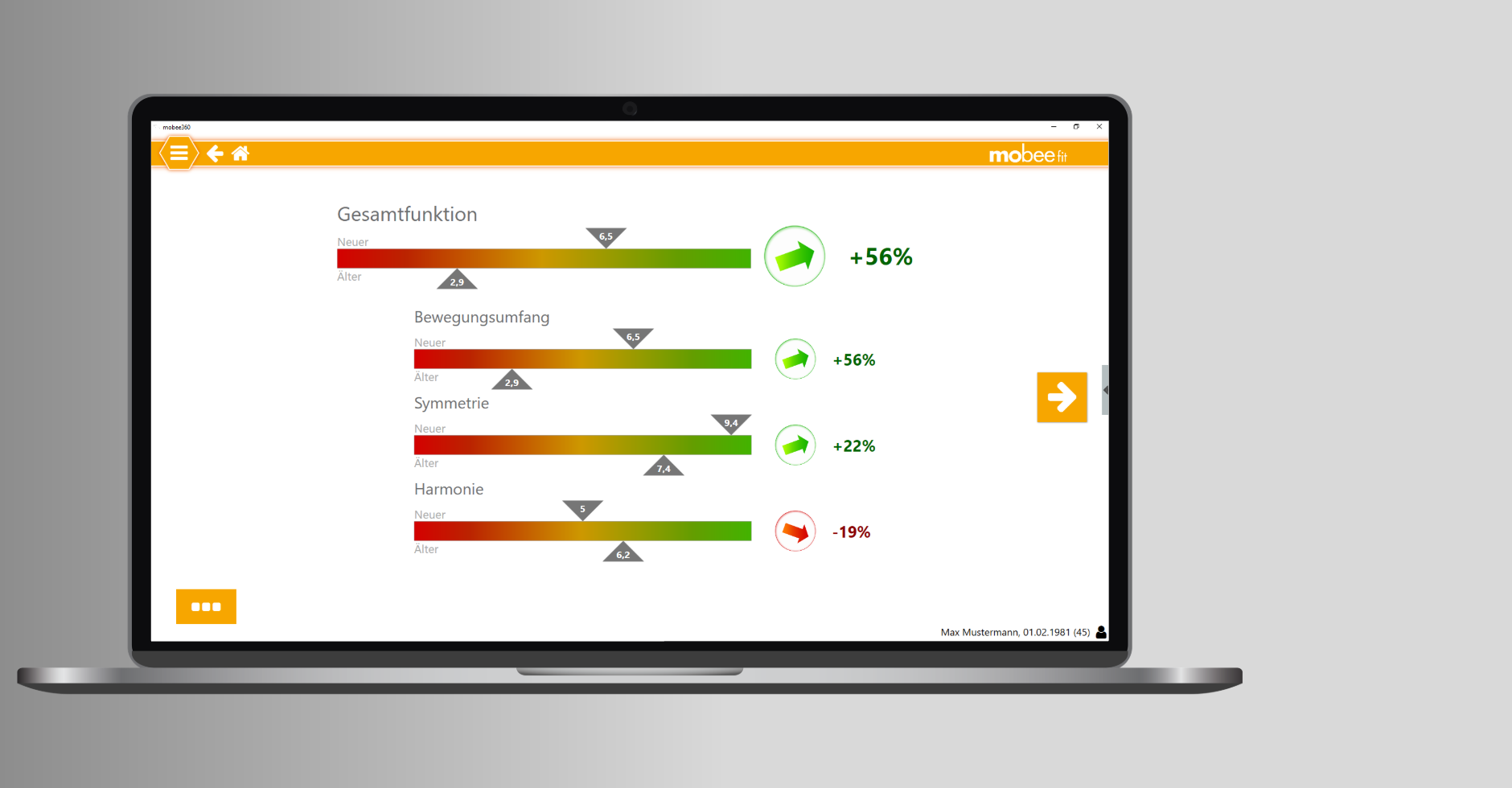
History chart and comparison chart
The tried-and-tested progress chart for the overall function has been implemented. It is once again possible to make a direct comparison between two measurement points in terms of the overall function, symmetry and harmony.
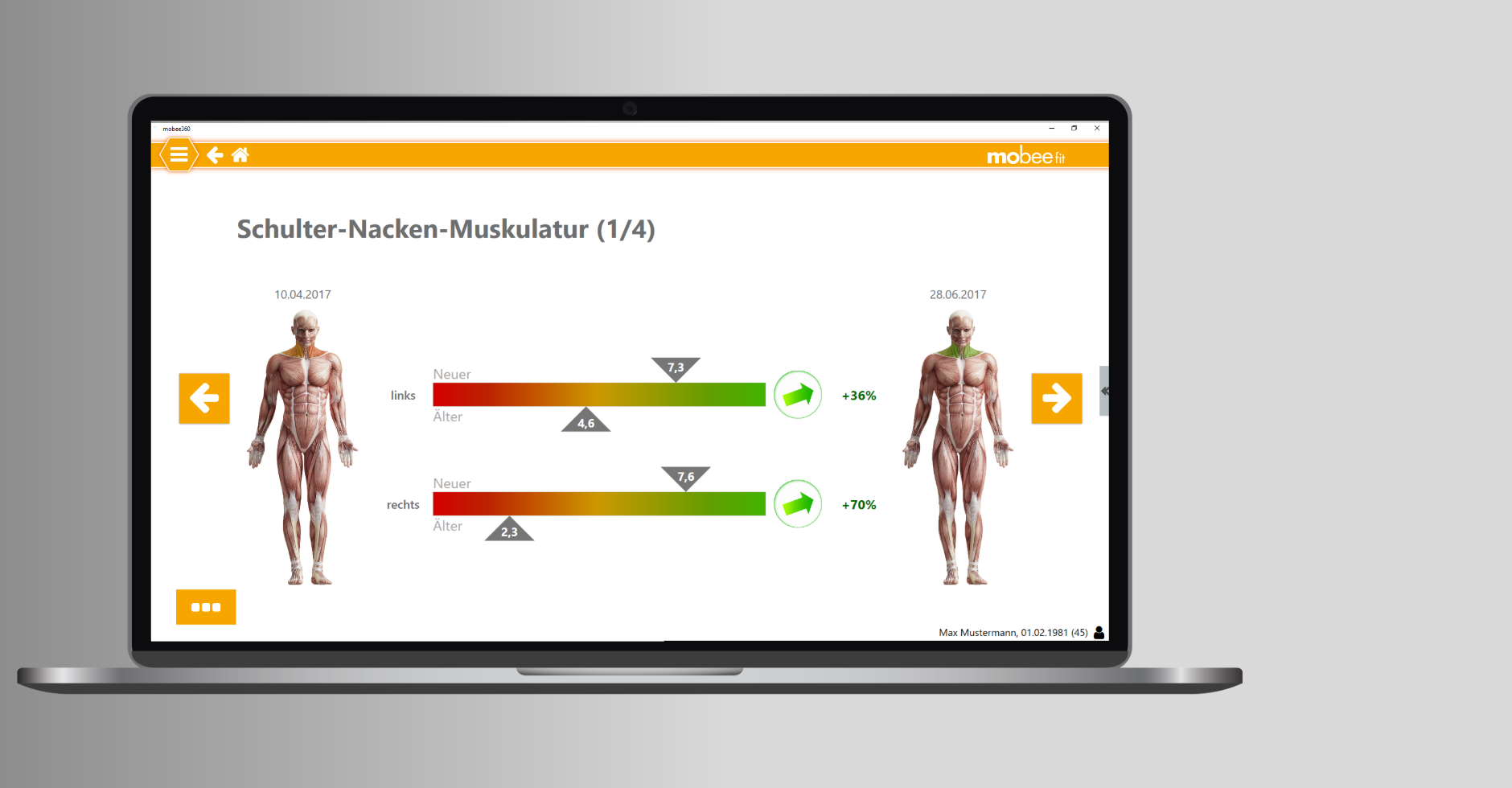
Direct comparison of two measurement time points with regard to individual muscle groups.
Included in mobee® metabolic Version 1.6.6.0
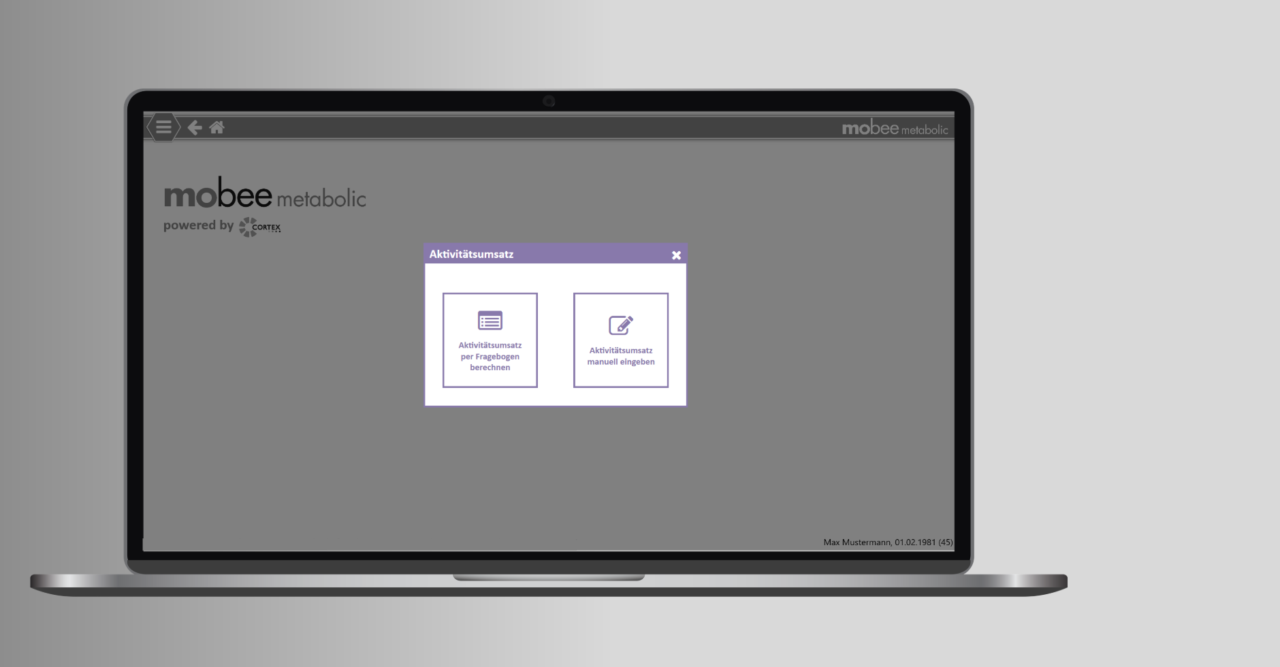
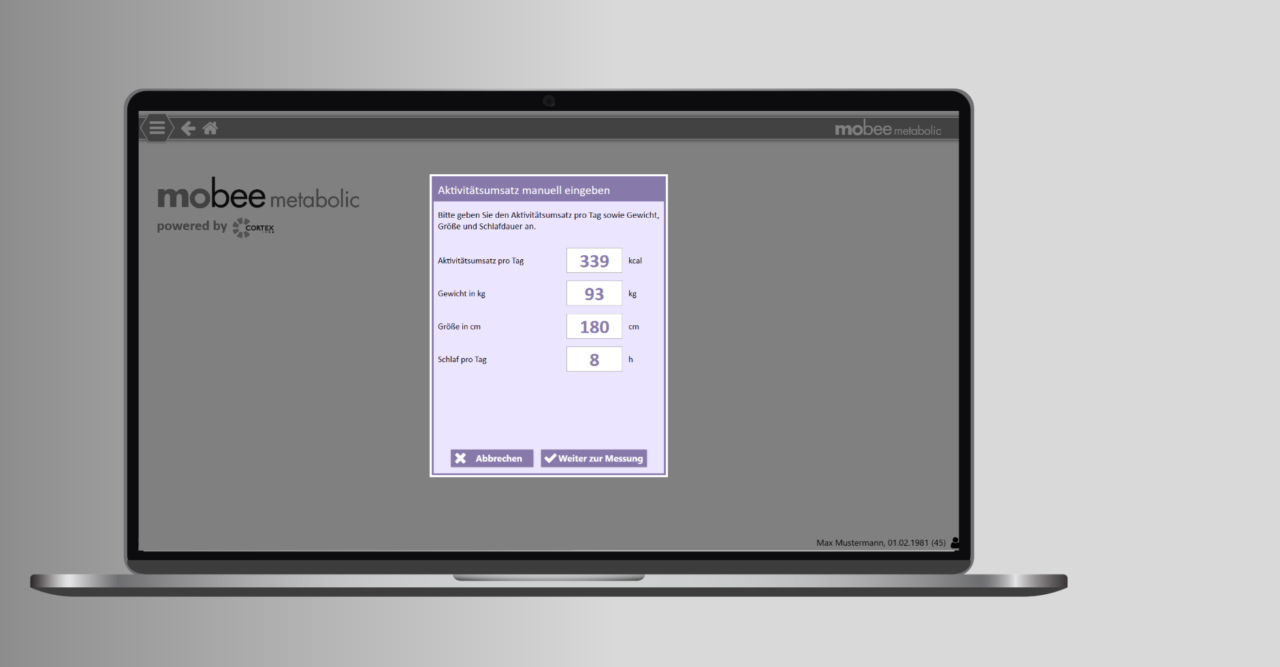
Activity sale without questionnaire
The daily sales revenue can manual as a single value, e.g. determined by a Smart Watch, can be entered. The calculation using the questionnaire will remain in place.
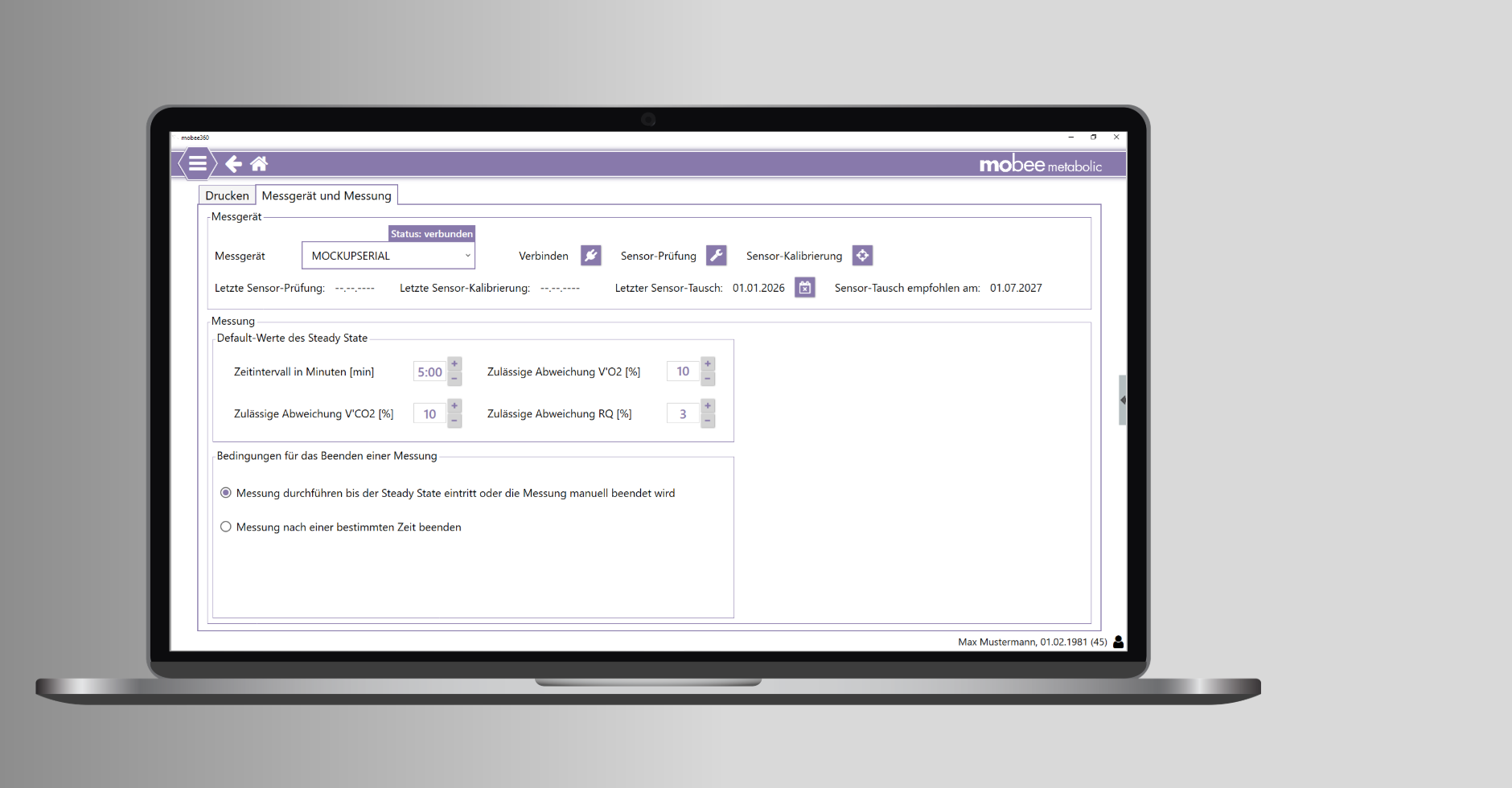
Setting the replacement date for the oxygen sensor
After an oxygen sensor replacement, the replacement date can be entered in the mobee® metabolic configuration.
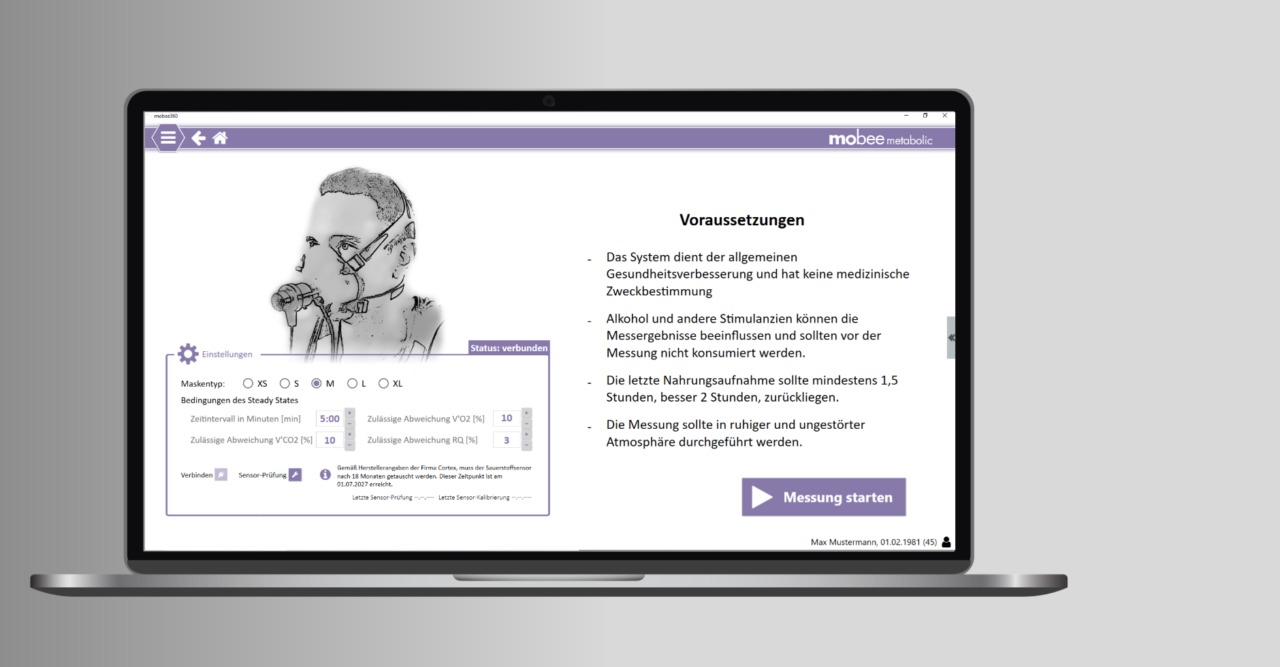
The recommended next replacement date is calculated (plus 18 months) based on the date entered and displayed. This is also shown during the teach-in.
If the recommended next replacement date is less than two months away, the colour of the information icon and the message text will change.
Included in mobee360 from version 4.8.6.0 onwards
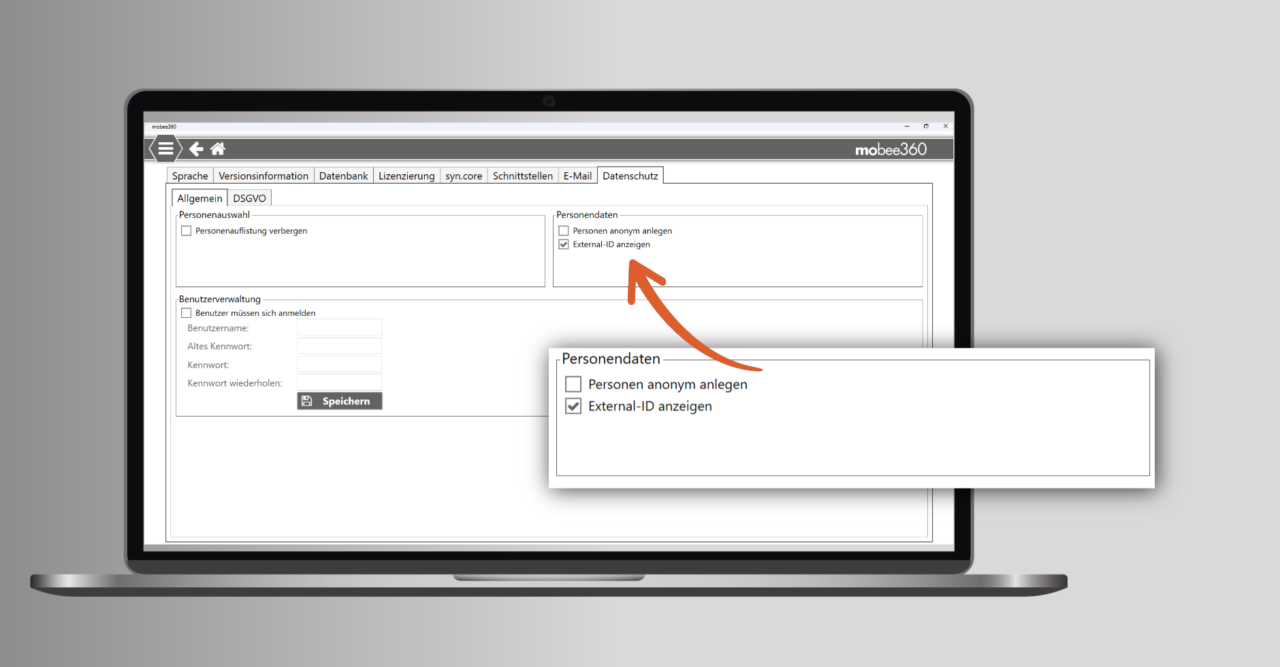
External ID
Option to define an external ID for each person in mobee360 (e.g. a unique ID from an external system).
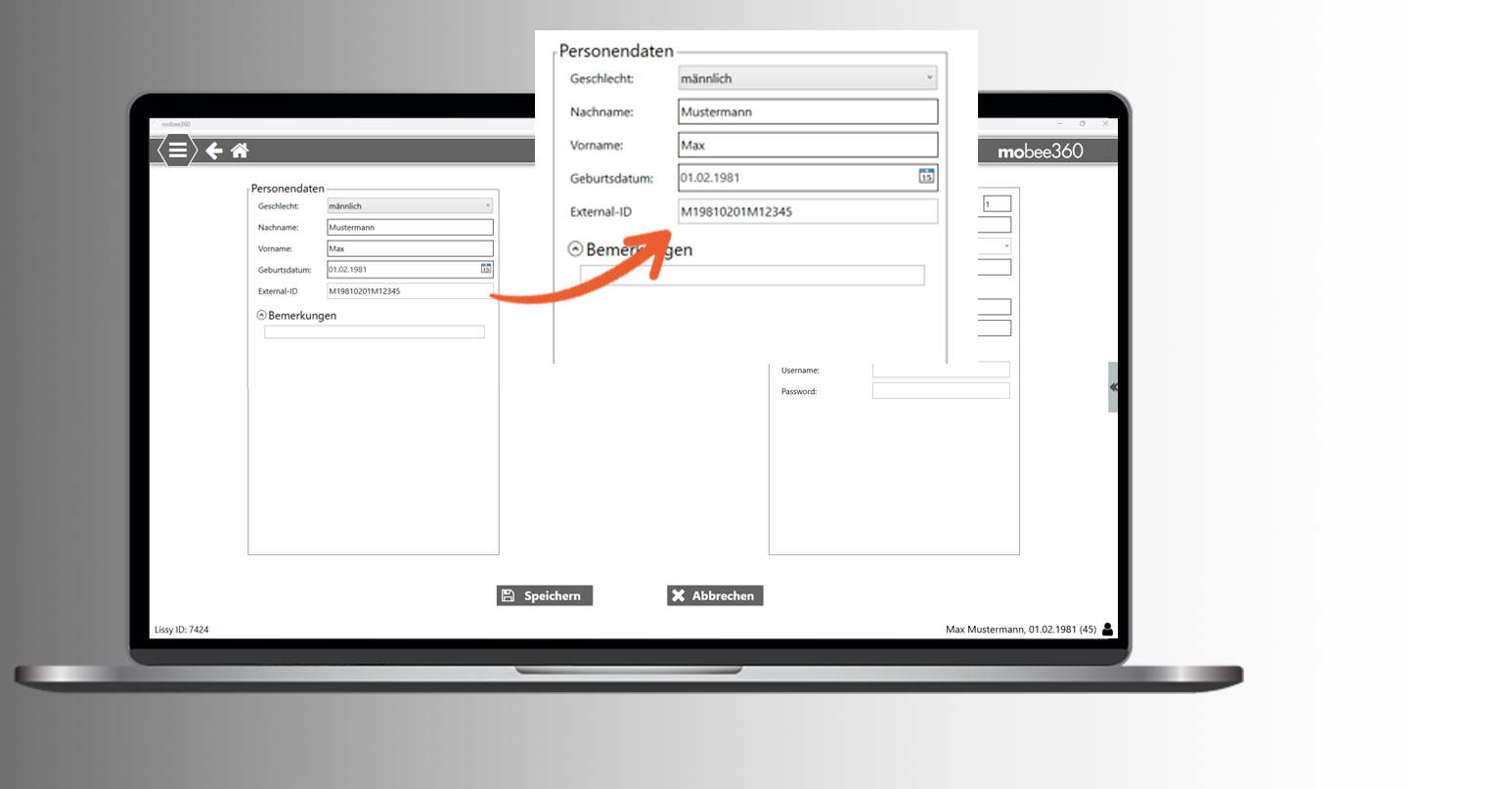
The configuration can be carried out in the mobee360 basic settings.
Note: Download in online update only in conjunction with mobee fit version 4.0.2.0 and mobee metabolic version 1.6.6.0. Manual download from the my mobee Business Portal is possible.
Additional information regarding your release.
Installation expenditure & time frame
Please allow at least 10–15 minutes for the installation.
Technical support
Should you require technical support or assistance with your update installation, as a mobee® 360 service customer, you can conveniently reach us via our Support form Your request has been submitted. Your personal contact person will get back to you shortly!
How do I get the update?
Our new software versions will automatically notify you of the update. For older versions, the update can be manually initiated from the software settings. Please ensure your PC is connected to the internet while the update is being performed.
As a service contract customer, you automatically benefit from numerous improvements. If your contract has expired or you are interested in our premium tariff, please do not hesitate to contact Mobee Sales Team to turn.